
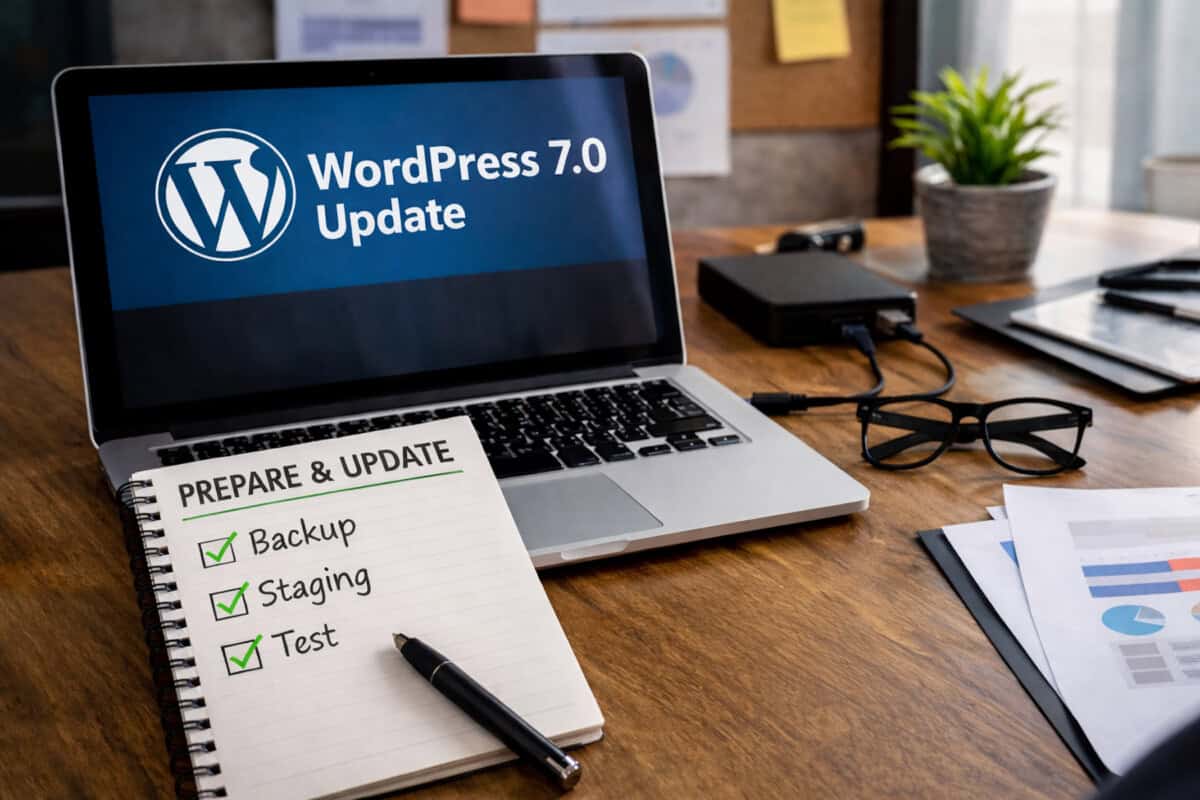
Whenever a major WordPress update is announced, it’s common for site owners to feel a little nervous. Headlines about “major releases” can make it sound like everything might break overnight. With WordPress 7.0 on the horizon, many people are asking the same questions: Will my site still work? Should I update right away? What if something breaks?
As someone who supports and maintains WordPress websites, I want to reassure you that major updates are both normal and necessary—and with the right process in place, they’re nothing to fear.
Whether you manage your own site or prefer to have a professional handle updates for you, here’s how we approach major WordPress releases safely and responsibly.
How to Prepare Your Website for the WordPress 7.0 Update
WordPress evolves constantly. Major releases introduce improvements to performance, security, accessibility, and editing features. They also ensure compatibility with newer versions of PHP, browsers, and modern web standards.
Why Major Updates Matter
Skipping updates for too long can actually create more risk than updating, because outdated software becomes harder to maintain and more vulnerable to security issues.
The goal isn’t to avoid updates—it’s to manage updates properly.
The First Rule: Never Update Without a Backup
Before any major update, the most important step is creating a complete backup of your website. That includes:
- The database (posts, pages, settings, etc.)
- All files (themes, plugins, uploads)
- Configuration files
A reliable backup means that even in the unlikely event something goes wrong, your site can be quickly restored.
Many hosting providers include automated backups, but it’s always wise to verify that backups are recent and restorable before proceeding with a major update. Is your site properly backed up?
Testing Updates on a Staging Site
One of the best ways to remove risk from updates is to test them on a staging site first.
A staging site is a private copy of your live website where updates can be safely tested without affecting visitors.
On staging we typically:
- Update plugins and themes
- Update WordPress core
- Check critical site functionality and error logs
- Review page layouts and forms
- Confirm integrations still work
If everything looks good, the updates can then be applied to the live site with confidence.
Plugin and Theme Compatibility
Plugins and themes are often the biggest concern during a major WordPress release.
Most reputable developers prepare for major updates well in advance, releasing compatibility updates before or shortly after a new version of WordPress launches.
During the update process we typically:
- Update plugins and themes to their latest versions
- Check the developer’s compatibility notes
- Test key features such as contact forms, e-commerce, and custom functionality
If a plugin hasn’t been updated in a long time, that’s usually a sign it may need to be replaced with a more actively maintained alternative.
Watching for the “Early Adopter” Window
When a major release first launches, some site owners choose to update immediately while others prefer to wait for the first maintenance release (for example, 7.0.1).
Both approaches are valid. The key is monitoring how the update performs across the broader WordPress community. Within days, most compatibility issues—if any—are identified and addressed.
For many sites, waiting a short period before upgrading can provide an additional layer of reassurance.
Performance and Security Improvements
Major WordPress updates often include under-the-hood improvements that make sites faster and more secure. These updates may not always be visible on the surface, but they help ensure your website remains stable and future-ready.
Staying current with updates helps your site:
- Maintain strong security
- Perform well on modern hosting environments
- Stay compatible with plugins and themes
- Avoid costly updates later
DIY Updates vs. Managed Support
If you’re comfortable managing your own site, following a safe update checklist—backups, staging, testing—can make the process straightforward.
However, many site owners prefer having someone monitor updates for them. At WPRx, we can:
- Test updates before applying them
- Identify plugin conflicts
- Monitor site performance
- Restore backups if necessary
- Keep everything maintained long-term
The goal isn’t just to click the “Update” button and hope for the best. It’s to ensure your site continues running smoothly after the update is applied.
The Bottom Line
Major WordPress updates like the upcoming 7.0 release are a normal part of maintaining a healthy website. With proper backups, testing, and a thoughtful rollout process, you can avoid major disruptions.
If you manage your own updates, taking a careful and methodical approach will go a long way toward protecting your site.
And if you’d rather not worry about the technical details, working with WPRx can give you peace of mind knowing your site is being maintained safely behind the scenes.
Either way, the key message is simple: updates are part of keeping your website strong—and you don’t have to face them alone.
If you have questions about preparing your site for WordPress 7.0 or would like help managing updates, feel free to reach out. I’m always happy to help make the process as smooth and stress-free as possible.