
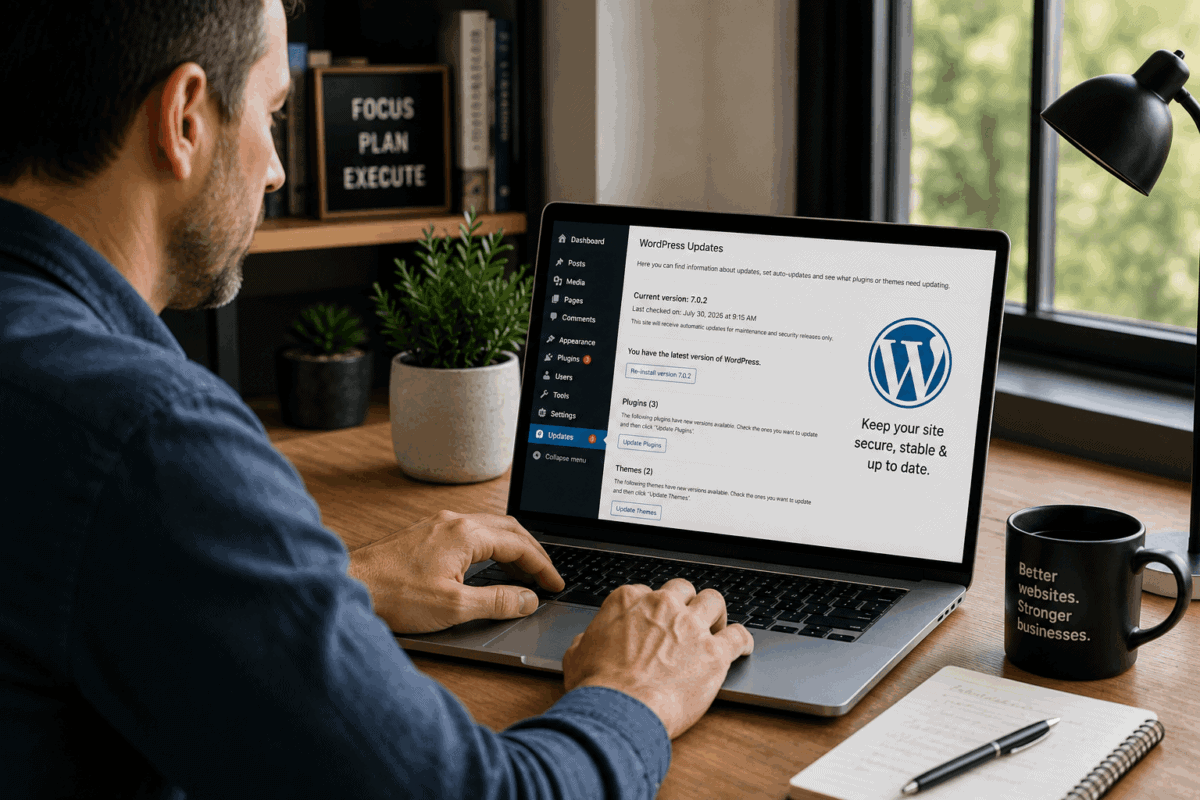
If you’ve managed a WordPress website for any length of time, you’ve experienced the constant stream of update notifications. WordPress core needs an update. Several plugins need updates. Your theme has a new version available. And sometimes they all arrive at once.
It’s tempting to ignore them, especially if your website appears to be working just fine. I will tell you, that can be an expensive mistake!
Keeping WordPress up to date is one of the most important parts of maintaining a healthy website. Regular updates protect your site from security vulnerabilities, improve performance, ensure compatibility, and give you access to new features.
In this guide, you’ll learn how often to update WordPress core, plugins, and themes, along with the best practices that keep your website secure, stable, and performing at its best.
Why Updates Matter
Security
The vast majority of compromised WordPress websites are running outdated software.
When developers discover a security vulnerability, they release a patch. That patch only protects your website after you install the update. Delaying updates leaves your site exposed to attacks that are often automated and actively scanning the internet for vulnerable websites.
Performance and Stability
Updates don’t just fix security issues. They also resolve bugs, improve efficiency, and make your website more reliable.
Many updates include behind-the-scenes optimizations that improve page speed, reduce resource usage, and eliminate problems you may not even realize exist.
Compatibility
Your WordPress website relies on your theme and plugins to work properly. As WordPress changes, those themes and plugins need to be updated too.
Keeping WordPress core, your theme, and your plugins updated significantly reduces the risk of compatibility issues, broken functionality, and unexpected errors.
New Features
Major releases frequently introduce improvements to the editor, accessibility, performance, and developer tools. Staying current allows you to benefit from these enhancements instead of falling years behind.
How Often Should You Update WordPress Core?
Major Releases
WordPress typically publishes one or two major releases each year.
These releases typically introduce new functionality and should be treated as planned maintenance, especially on websites with custom development or a large number of plugins.
For most websites, installing a major release within a few weeks is appropriate. Mission-critical or high-traffic websites may benefit from waiting for the first maintenance release to ensure any unexpected issues have been addressed and plugin developers have had a chance to catch up.
Minor Releases
Minor releases primarily contain security patches and maintenance fixes.
These updates are generally safe to install immediately, and most WordPress websites receive them automatically by default.
How Often Should You Update Plugins?
For many websites, review available plugin updates at least once or twice each month.
If your website generates revenue, accepts online payments, captures leads, or receives significant traffic, checking for updates weekly is a better practice.
Security Updates
If a plugin update addresses a security vulnerability, install it as soon as practical. Security updates should always be a high priority.
High-Risk vs. Low-Risk Plugins
Not every plugin carries the same level of risk.
High-risk plugins include:
- Payment gateways
- WooCommerce extensions
- Form plugins
- Membership platforms
- Booking systems
- Learning management systems
- Security plugins
These updates should be tested on a staging site before being deployed to your live website.
Lower-risk plugins include utilities such as redirect managers, social sharing plugins, SEO tools, and simple display enhancements. These can often be updated directly on a live site, provided the update isn’t a major release introducing significant new functionality.
How Often Should You Update Themes?
Themes typically receive fewer updates than plugins, but they’re just as important.
Theme updates frequently include security fixes, compatibility improvements, and support for the latest WordPress features.
Parent themes should be updated whenever new stable versions become available.
Child themes should also be updated if the developer releases improvements or compatibility fixes.
Should You Enable Automatic Updates?
Automatic updates have both advantages and disadvantages.
Pros
- Security patches are installed quickly.
- Less routine maintenance.
- Fewer outdated components accumulate over time.
Cons
- An update can introduce an unexpected compatibility issue.
- Problems may go unnoticed until someone visits the affected area of the website.
- Complex websites, particularly WooCommerce, membership, and custom-built sites, require additional caution.
Recommended Approach
For most websites, enable automatic updates for:
- Minor WordPress core releases
- Security and maintenance releases
- Low-risk plugins when appropriate
Major WordPress releases and high-risk plugin updates should be tested on a staging site before being installed on your production website.
Best Practices for Updating WordPress
Following a consistent update process dramatically reduces the risk of problems.
- Always create a complete backup before making updates.
- Test major updates on a staging site whenever possible.
- Update plugins first.
- Update themes next.
- Update WordPress core last.
- Verify your website afterward by testing forms, checkout pages, search functionality, navigation, and other critical features.
A few extra minutes of testing can prevent hours of downtime.
Why Work With WPRx?
Keeping WordPress updated sounds simple until you consider the time involved in monitoring releases, testing updates, evaluating security reports, creating backups, and troubleshooting compatibility issues.
That’s exactly what a WPRx maintenance plan is designed to handle.
We regularly monitor your website for updates, install security patches promptly, test major updates before deployment, resolve compatibility issues if they occur, and help ensure your website remains secure, stable, and performing at its best.
Instead of worrying about whether it’s safe to click Update, you can focus on running your business.
Final Thoughts
WordPress updates aren’t optional. They’re an essential part of protecting your website.
A consistent update strategy keeps your site secure, improves reliability, maintains compatibility, and ensures you’re benefiting from the latest improvements in WordPress and the plugins that power your website.
If you’d rather leave updates to someone who manages WordPress every day, WPRx can help. Contact us to learn how our maintenance plans can keep your website secure, up to date, and running smoothly.